MAGAZINE
LAYOUTS
Magazine layouts organize content using grids, with key sections like the cover page, articles, and advertisements. They incorporate high-quality images, creative typography, and multiple columns for readability. Whitespace is used for a clean, uncluttered design, while consistency in style, fonts, and colours maintains a unified brand identity.
The goal is to create an engaging,visually appealing reading experience. A Modular grid is often used to create Magazine layouts as it gives the designer more freedom to arrange text and visual elements.

MAGAZINE
LAYOUT
LAYOUT A
MAGAZINE
MAGAZINE
LAYOUT

MAGAZINE
LAYOUT
LAYOUT A
MAGAZINE
MAGAZINE
LAYOUT
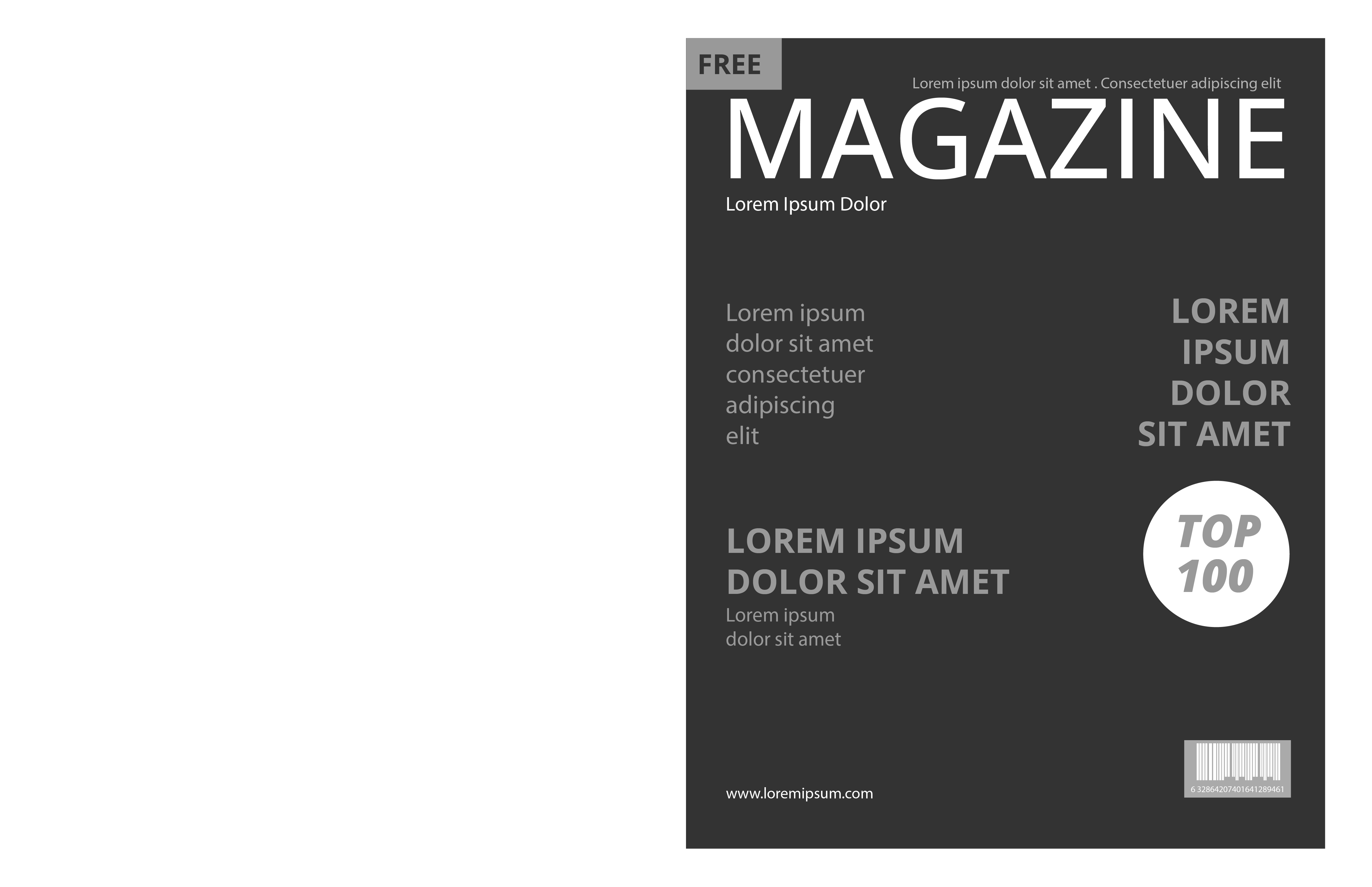
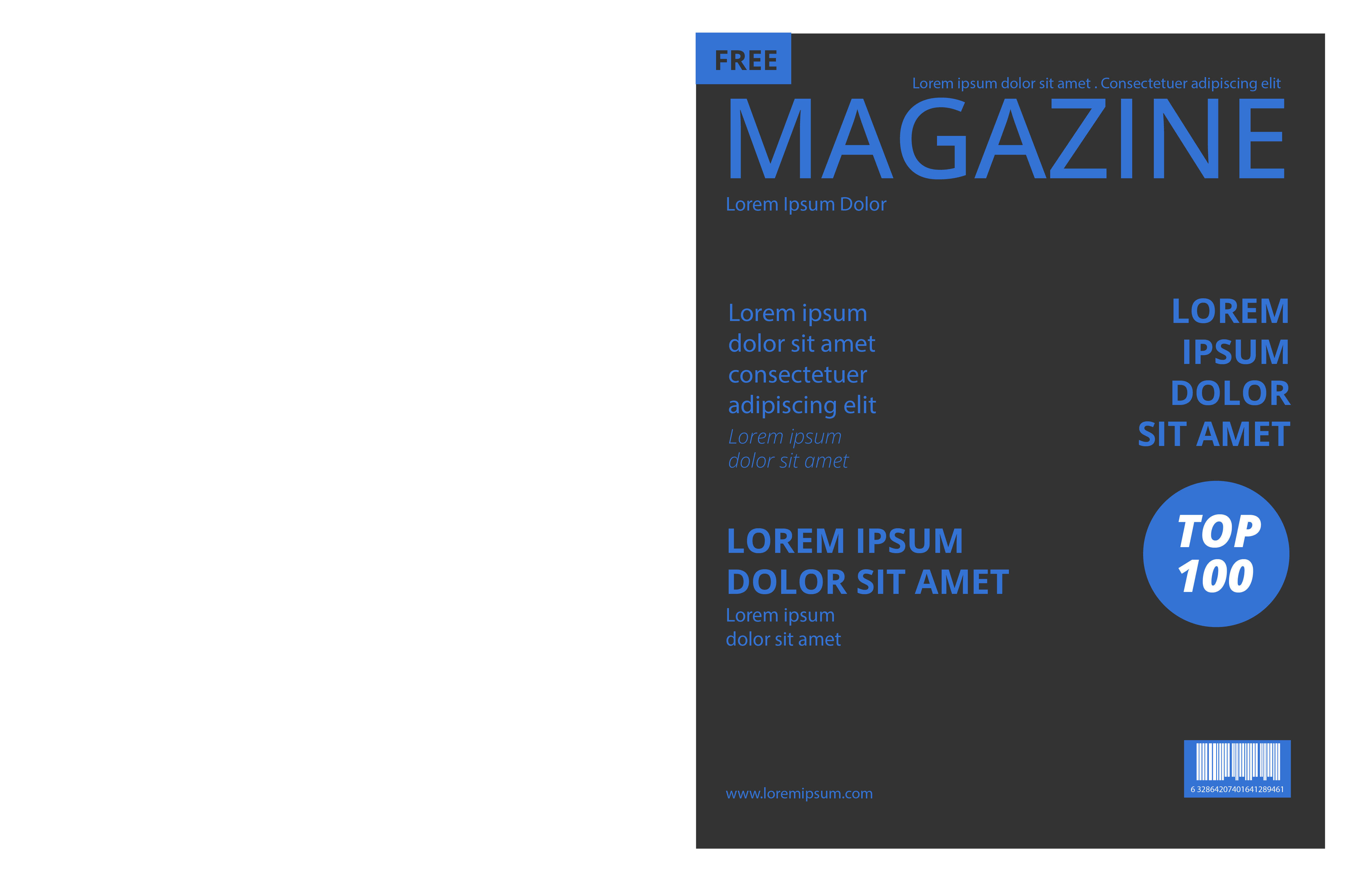
How to layout magazine
- How to pick size of paper?
- How to set margin?
- How to choose a grid?
- How to place type?
- How to place images?
How to pick a magazine size ?
The most common magazine sizes are the standard, digest, and square. A magazine size is selected according to its content. (business, news fashion etc)


- Body Text
- Headline
- Alignment
- Font Pairing
- Pull Quotes
- Hyphenation
- Ladders
- Rags
- Rivers
- Widows
- Orphans
- Spot Images
- Gridwise Images
- Shape Block Images
- Full Page Images
- Filler Images
- Double Spread Images
- Advertisements(Inside Pages)
- Advertisements(Outside Pages)
 Tracking
 Kerning
Standard Size - 8.5 x 11 (in inches)




Standard size
Standard size is the most economical and common magazine size for printing magazines. Both, portrait and landscape is possible, either for perfect bound magazines or saddle stitched magazines.
Types of magazine layout
- Center Axis Layout
- 'Z' Layout
- Page Centre Layout
- Mondrian Layout
- Multi Panel Layout
- Circus Layout


Central axis layout is a classic layout that positions the elements on the central axis to maintain symmetry and harmony. This layout works well for a simple design and when there are few elements on a page. A single page can be divided into a vertical central axis and for double page spreads, a horizontal central axis can be used.

Central Axis Layout (Single Spread)
Central Axis Layout is a classic layout that positions the elements on the central axis to maintain symmetry and harmony. This layout works well for a simple design and when there are few elements on a page. A single page can be divided into a vertical central axis and for double page spreads, a horizontal central axis can be used.